Payment methods
- On delivery: in cash when you receive your order, or when you collect it in store.
- MoMo Pay: you pay the ZBR SHOP merchant, then send the operator, the paying number and the transaction reference (shown in the confirmation SMS). The team verifies the payment and confirms your order.
- Via WhatsApp: your order is saved, then WhatsApp opens with the summary; you settle the payment directly with the store, which then confirms your order.
The available methods are always shown at the “Payment” step of checkout. Service requests are paid before the work is carried out, using the methods offered (never in cash).
MoMo Pay (ZBR SHOP merchant)
- MTN MoMo: merchant code 566065
- Moov Money: merchant code 257922
The full code to dial, amount included, is shown in the app and on the website: the “Dial” button prepares it, you confirm with your PIN, which nobody at ZBR SHOP will ever ask you for. A transaction reference can only be used once.
Rejected reference
If the team cannot find the payment (unknown reference or different amount), the reason is shown and you can send another reference from the order.
ZBR DEAL BOOST and plans
BOOST, DEALER PRO and Dealer plans are paid by MoMo Pay in the same way. Nothing is charged automatically; a request without a payment reference is cancelled after 72 hours.
Security
When online payment is offered, it takes place on the provider's secure page and our servers always verify it with the provider before confirming the order. ZBR SHOP never sees your Mobile Money PIN or card details.
Failed payment
If the payment fails, your order stays pending for the stated time: you can retry or choose another method from “My orders”.
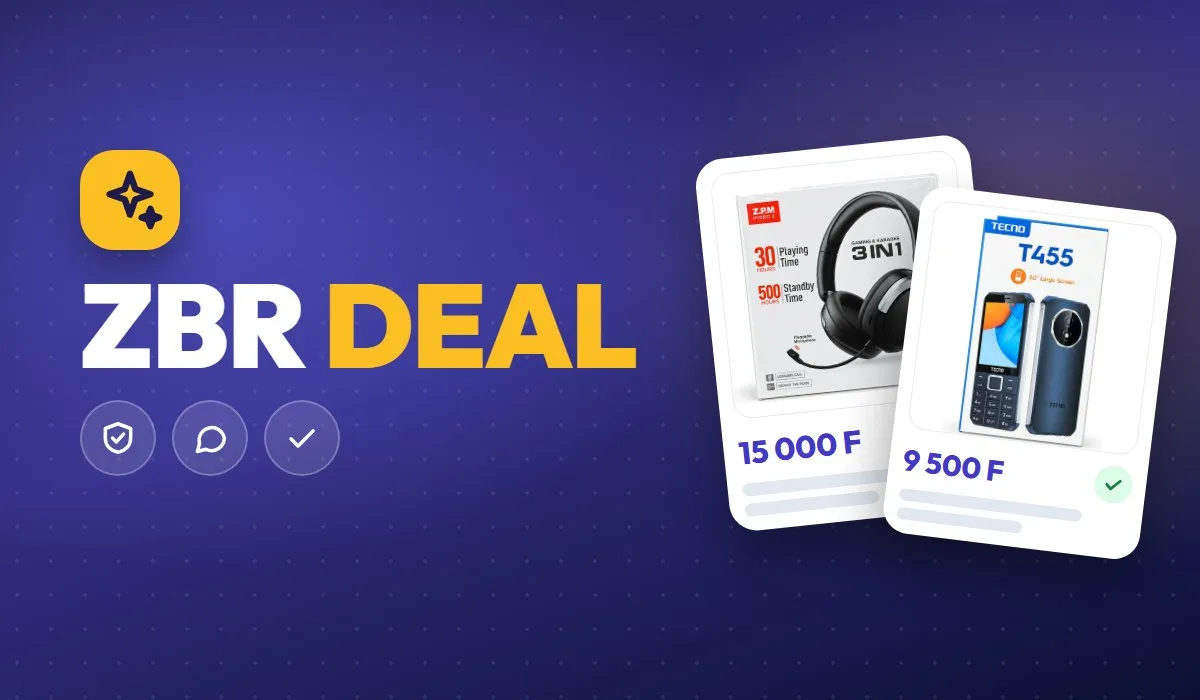
ZBR DEAL purchases
The price of a ZBR DEAL item is settled directly between the buyer and the seller: ZBR SHOP does not collect this money. Check the item before paying.