New: "Continue with ZBR SHOP". Sign in to the ZBR POS app with your ZBR SHOP account in one tap, without typing your password again.
Install the app
1
Download the app
Tap “Download the APK” from your Android phone.
2
Allow the installation
If Android asks, allow your browser to install apps, then open the downloaded file.
3
Sign in
Use the same account as on the website: your orders, points and addresses follow you.
ZBRSHOP DEALER
For sellers and partners
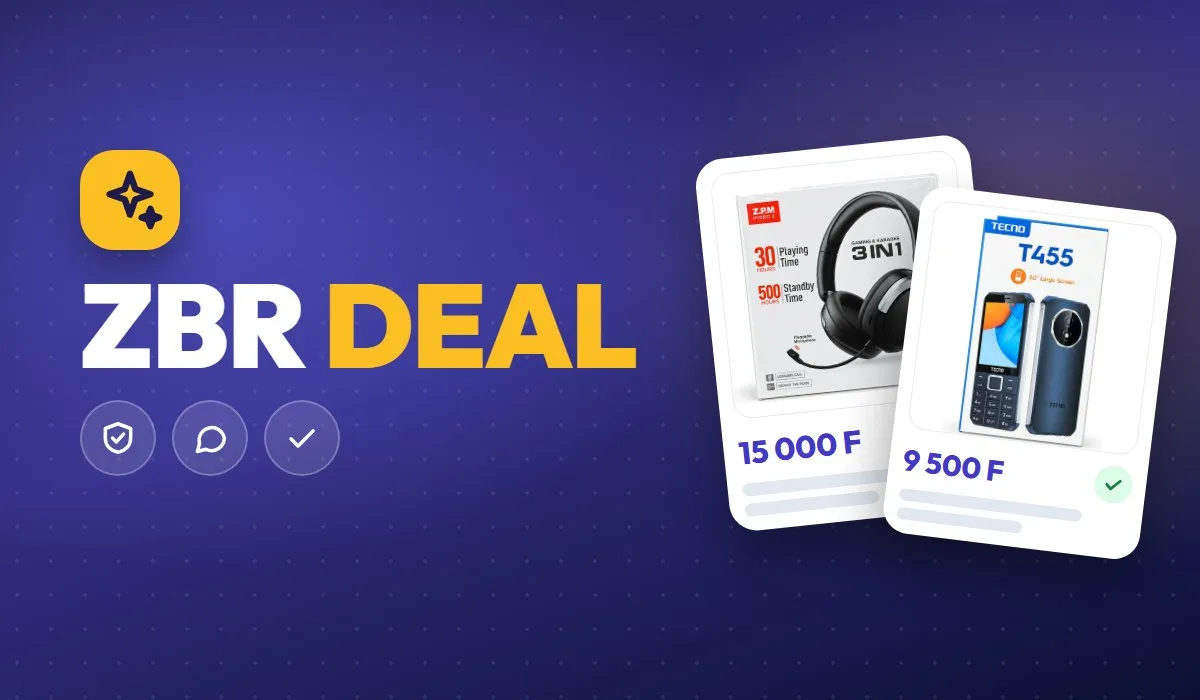
Sell on ZBR DEAL, the listings area of the ZBR SHOP app: become a Dealer (individual or business), publish your listings and chat with buyers right in the app. Partners: your code, your link and your commissions.
Free publishing, up to 10 active listings (20 for a business)
Listings checked by the ZBR SHOP team
Built-in messaging with buyers, with notifications
Shop photo and listing photos can be cropped before uploading.
Dealer and Partner guides as PDF in Account.
Fields suited to each category for your listings .
Chat photos and files open in the app, attachments are protected.
ZBR DEAL is available in the app
The new listings space of ZBR SHOP: buy and sell between individuals, listings checked by our team, chat with the seller. Download the ZBR SHOP app to get started.